
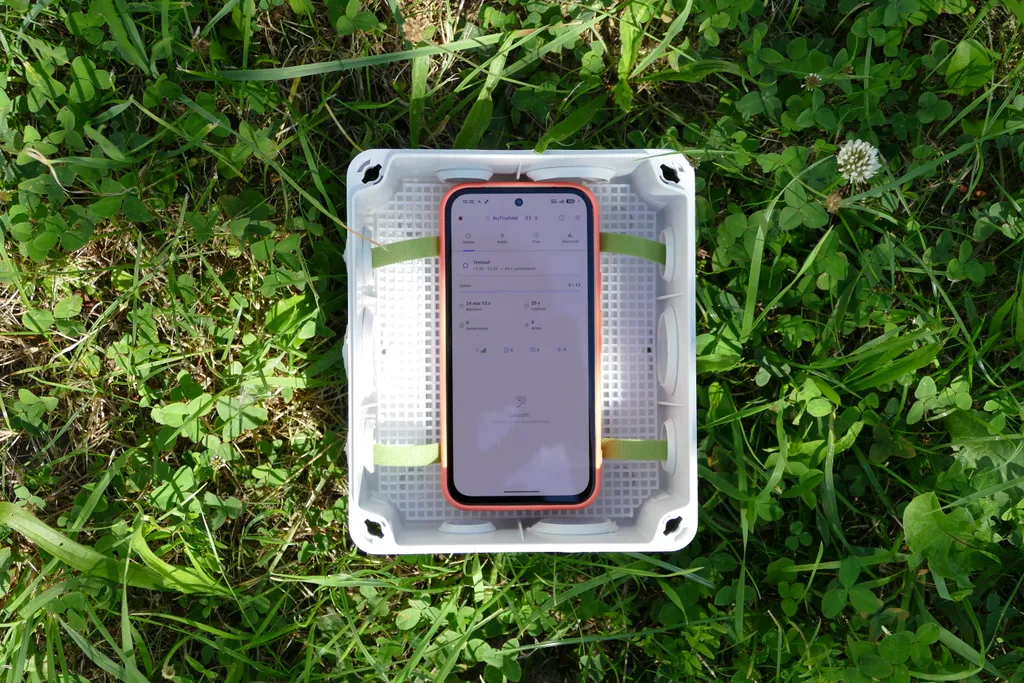
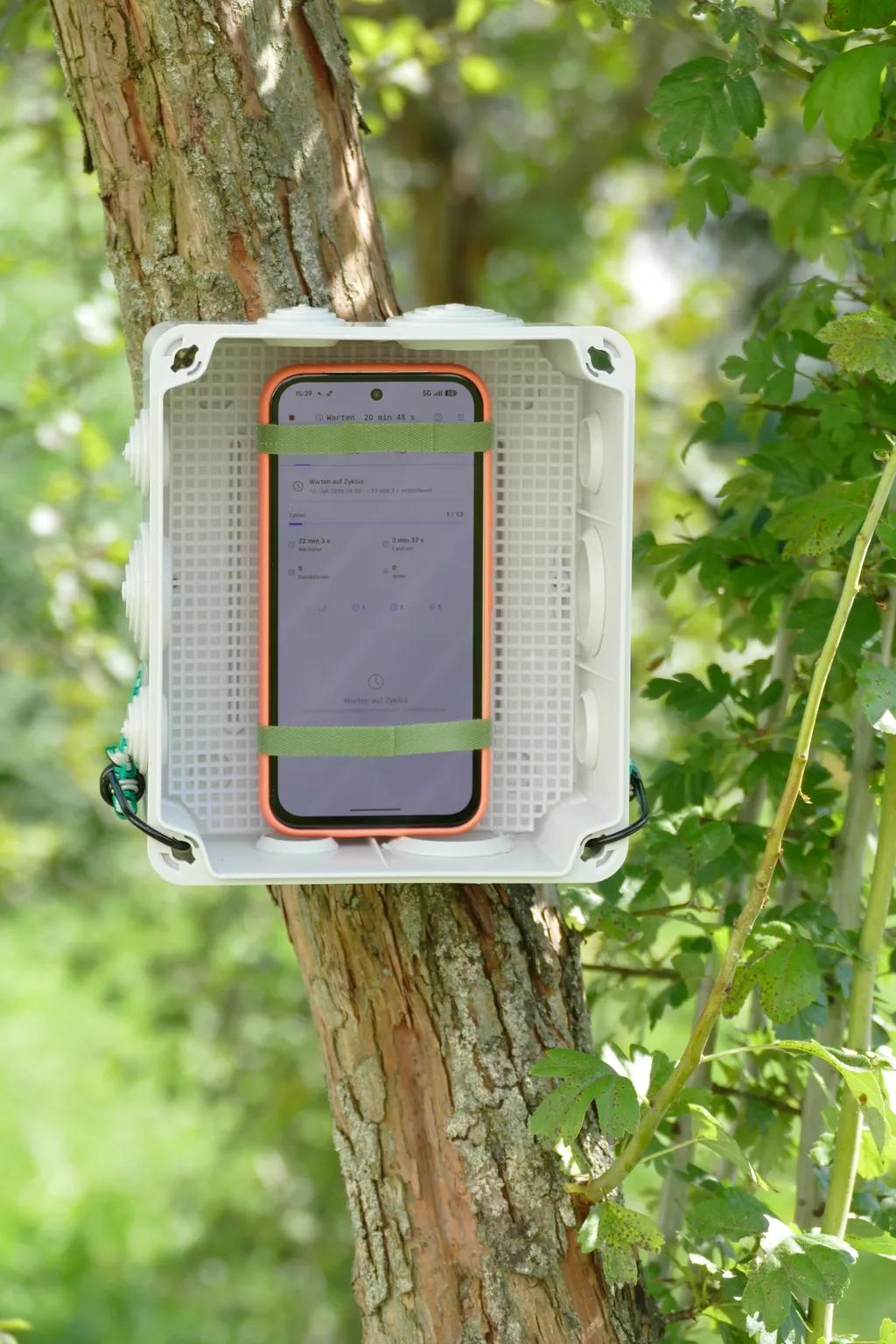
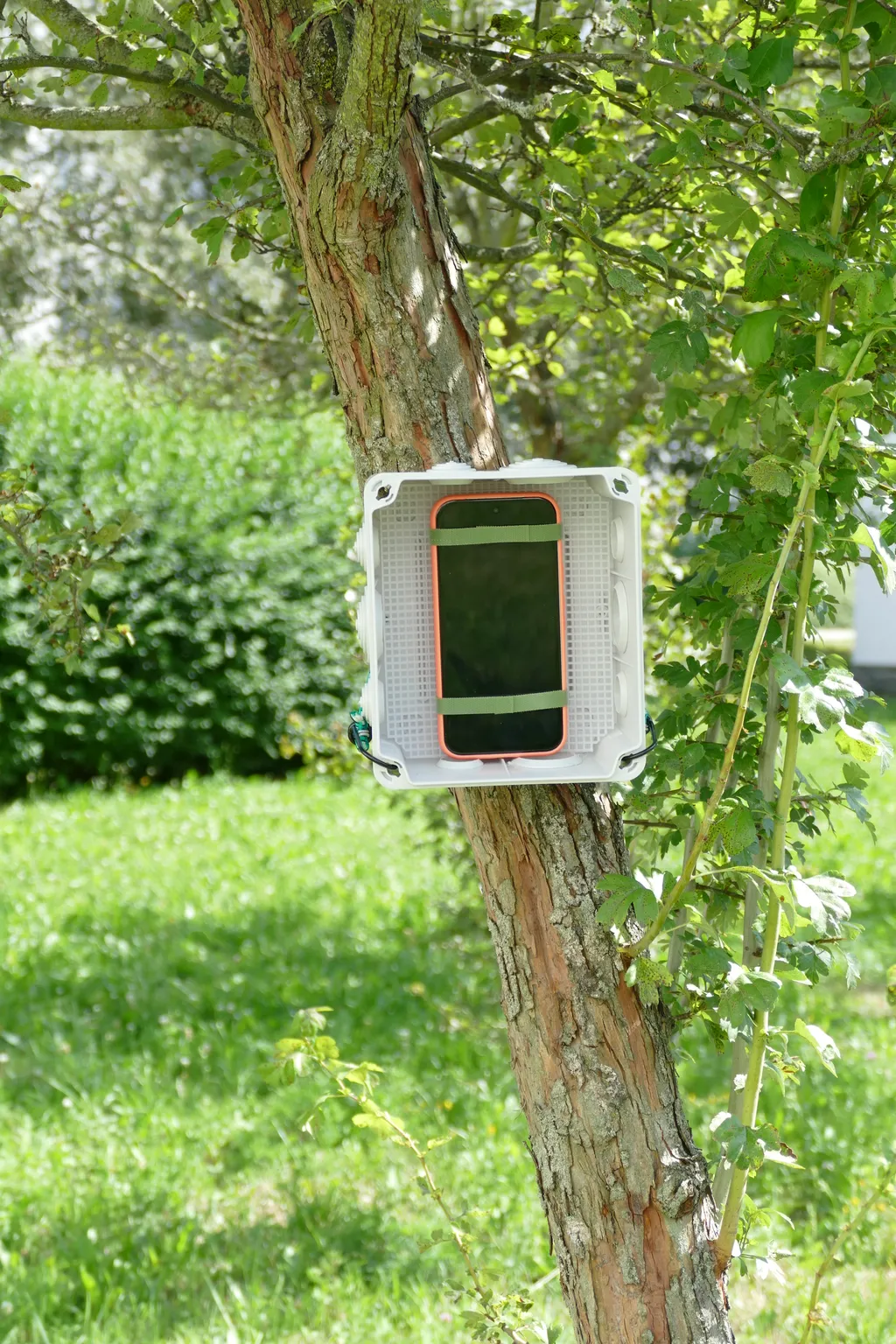
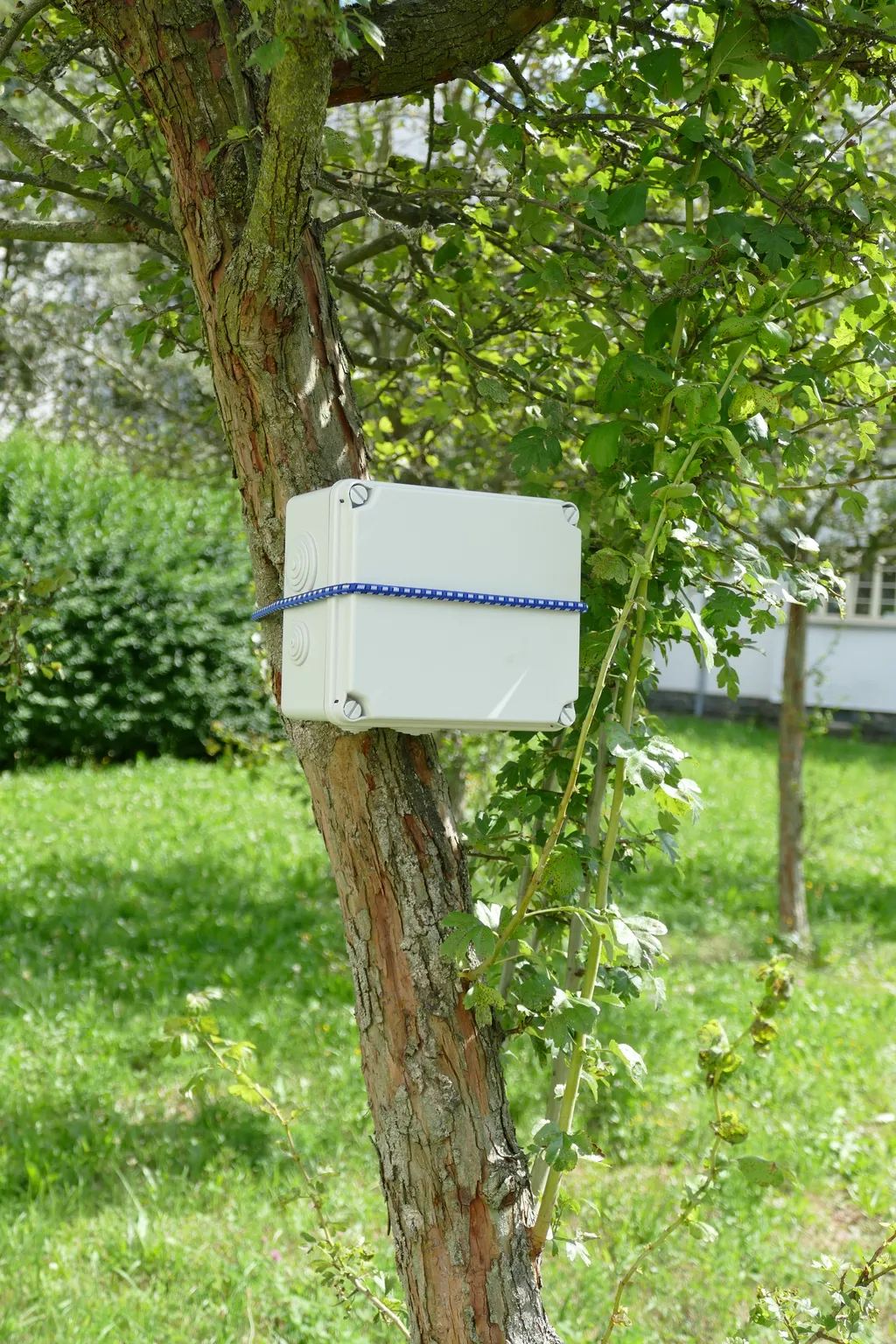
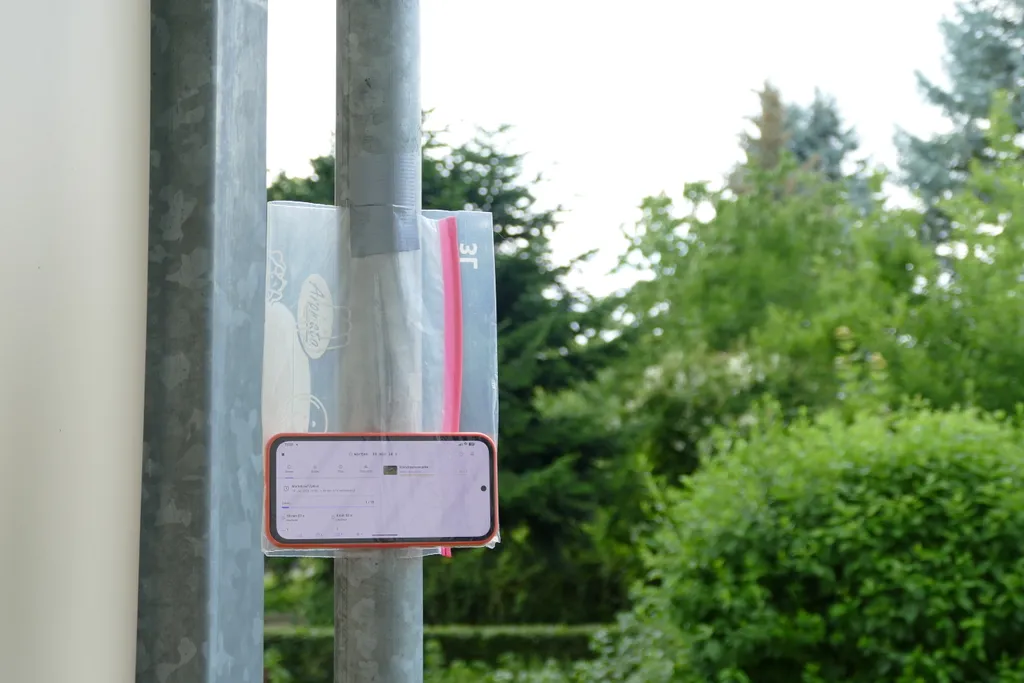
The ARU Mode turns your smartphone into an autonomous recording device (Autonomous Recording Unit, or ARU for short). Instead of running continuously, BirdNET Live starts recordings automatically on a defined schedule – for example at sunrise or sunset – making it ideal for long-term surveys at a fixed location.
During an ARU session, the app records in freely configurable recording and pause intervals. The recorded audio data is analyzed directly on the smartphone. To save storage space, you can optionally keep only the best detections. This makes the mode especially suitable for long-term observations and monitoring projects.
Typical use cases
The ARU Mode is especially suited for:
- long-term recordings at a fixed location
- continuous surveys in the early morning or at dusk
- monitoring in nature conservation projects
- surveys spanning several days or weeks
- unattended use in the field
What is ARU Mode not suited for?
- exploring nature spontaneously
- recording continuously during outings and hikes
- capturing bird sounds at a fixed location over a set period of time
How ARU Mode works
-
Select the ARU Mode in BirdNET Live.
-
Complete the setup wizard.
- Enter the details. If needed, assign a name to the survey point and add further metadata.
- Set the parameters. Here you define how the AI model analyzes the recorded sounds. See Settings for more information. The default settings are suitable for most applications.
- Set the schedule and recording window. Define when recordings should start and end automatically. This lets you specifically capture the morning or evening hours, for example.
- Review the field tips.
-
Position your smartphone in a suitable place.
- Protect the device from rain and moisture, e.g. with a resealable freezer bag or a junction box from the hardware store.
- Place the smartphone as freely as possible and away from sources of interference such as roads, running water, or strong wind.
- Point the microphone toward the recording area as much as possible.
- For longer recordings, connect a power bank or charge the smartphone regularly.
- Make sure there is enough free storage space.
- Enable airplane mode to save battery, and additionally turn on power-saving mode.
-
Start the session.
BirdNET Live then handles the recordings automatically according to your schedule and analyzes them directly on the device.
Evaluating the results
After collecting the device, you’ll find the ARU session in Sessions. There you can view all detections, listen to the corresponding audio clips, view spectrograms, and export or share the results with others.
Settings and tips
If you want to improve your recording quality, take a look at the settings and tips.
Settings and tips